










Use Remote Control for TV as a Samsung TV remote app for iPhone, iPad, Apple Watch, and Mac. It connects to supported Samsung Smart TVs over Wi-Fi, so you can control the TV without line-of-sight and without an infrared adapter.
Quick Answer
Remote Control for TV lets iPhone and iPad control supported Samsung Smart TVs over the same Wi-Fi network. After pairing, you can use remote keys, playback controls, volume, app launching, text input, source switching, Apple Watch controls, widgets, and Siri Shortcuts where the Samsung TV supports those actions.
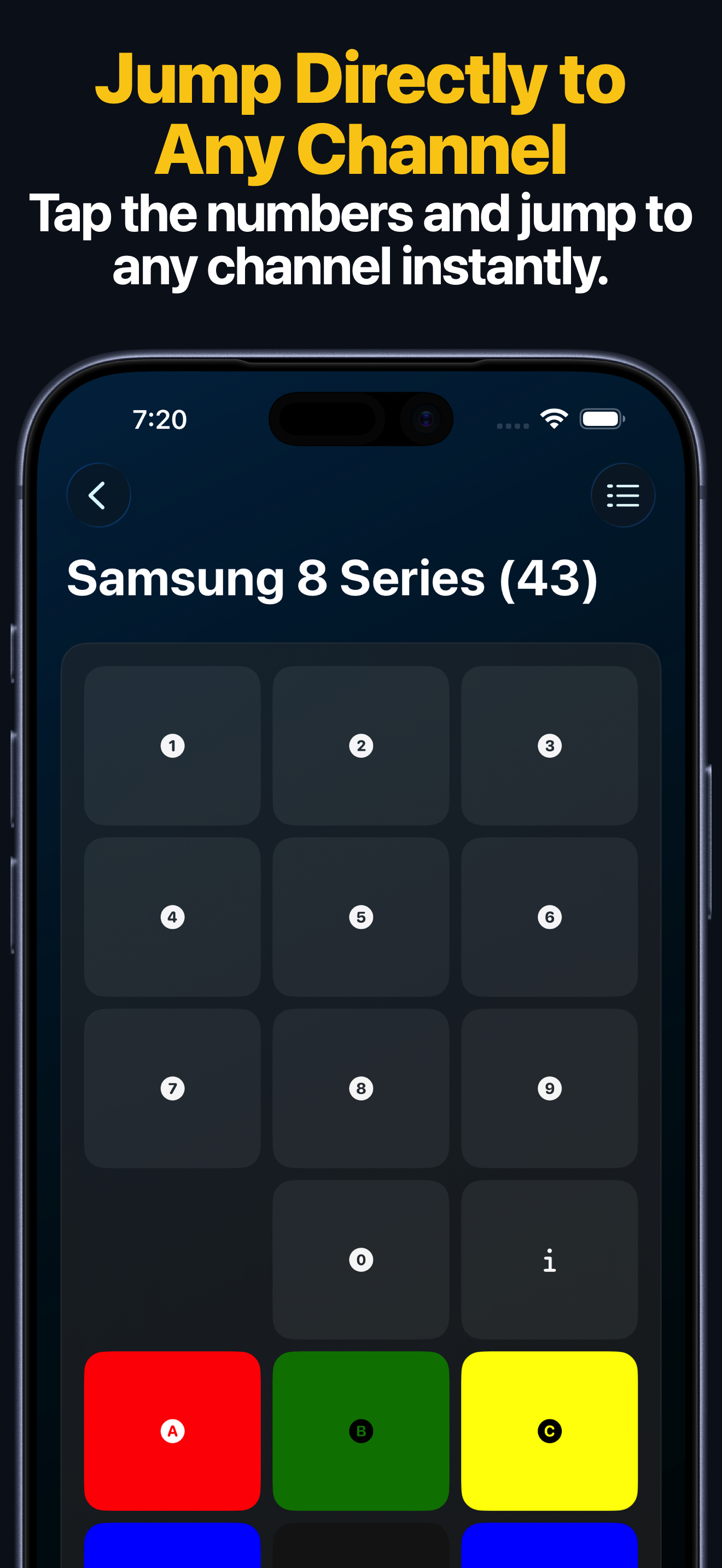
Samsung TV Remote Features
- Full remote keypad for navigation, playback, power, volume, and common TV keys.
- App launching for supported Samsung TV apps.
- Custom Samsung TV app IDs when an app is missing from the built-in launcher.
- Text input from iPhone or iPad on supported Samsung TVs.
- Source and HDMI input switching on supported models.
- Apple Watch keypad control and app launching after the TV is saved on iPhone.
- Widgets and Siri Shortcuts for faster common actions.
How to Set It Up
- Install Remote Control for TV on your iPhone or iPad.
- Connect your iPhone or iPad and Samsung TV to the same local network.
- On the TV, set Access Notification to Off or First Time Only when that setting is available.
- Open the app, choose your Samsung TV, and enter the 4-digit PIN if the TV shows one.
- Save the TV and use the remote, app launcher, Apple Watch app, widgets, or Siri Shortcuts.
For detailed screenshots, open the Samsung TV setup guide.
When to Use Custom Samsung App IDs
If the Samsung app launcher does not show the app you need, add it manually with a custom app ID. Use the Samsung TV custom app IDs page to copy IDs and optional icon URLs for apps such as YouTube, Netflix, Prime Video, Disney+, Hulu, Plex, Spotify, and more.
Samsung TV FAQ
Why cannot the app find my Samsung TV?
Make sure both devices are on the same local network, keep the TV awake, and check the Samsung Access Notification setting. Guest networks, hotel networks, and isolated Wi-Fi networks can block discovery.
Does it work with every Samsung TV?
Feature support depends on Samsung TV model, firmware, region, and local network settings. The app is designed for supported Samsung Smart TVs.
Can I use the app from another room?
Yes, Wi-Fi control can work without line-of-sight when the iPhone or iPad and TV are on the same local network.