










Use this guide to connect Apple TV HD or Apple TV 4K to Remote Control for TV, the iPhone and iPad TV remote app. If you have an Apple TV Gen 1, 2, or 3, open the Apple TV Gen1,2,3 guide instead.
How to Connect Apple TV
- Make sure your iPhone or iPad and Apple TV are connected to the same network.
- On Apple TV, open Settings > AirPlay and HomeKit > Allow Access and set it to Everyone on Same Network. If your setup is more restrictive, Everyone also works.
- Open the app, choose your Apple TV, and enter the 4-digit PIN shown on the TV.
 |  |
What the app supports after pairing
- Full remote controls for navigation and playback.
- Opening apps directly from the app.
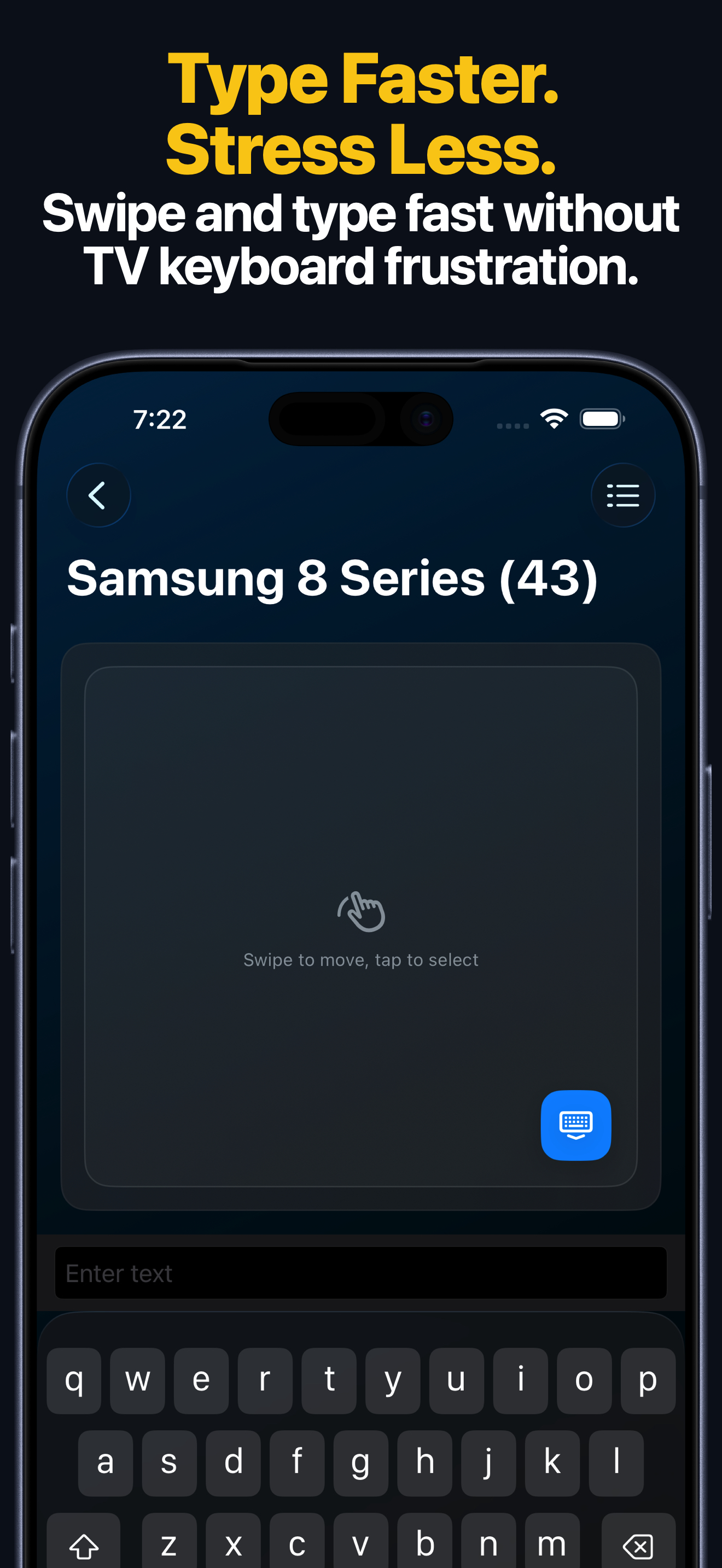
- Typing from your iPhone or iPad instead of the Apple TV keyboard.
- Touchpad navigation for swipe-based control.
- Apple Watch access for quick keypad control and app launching.
- macOS control for the same saved Apple TV from your Mac.
- Home Screen widgets and Siri Shortcuts or App Intents.
Apple Watch, Mac, and Siri
- The Apple Watch app gives Apple TV quick keypad access and app launching after the device is saved.
- The macOS app can control the same saved Apple TV from your Mac, including remote keys, text entry, and app launching where Apple TV supports them.
- Siri Shortcuts and App Intents can send supported Apple TV remote actions from Siri and the Shortcuts app.
Common Apple TV Connection Problems
If you cannot connect to your TV
- Keep Apple TV awake and stay on the Home screen while pairing.
- Check that Local Network access is enabled for the app in iPhone or iPad Settings.
- If the PIN does not appear, re-check AirPlay and HomeKit > Allow Access and try again.
- If you use an older Apple TV, follow the Apple TV Gen1,2,3 guide instead.
Apple TV FAQ
Does this page work for Apple TV HD and Apple TV 4K?
Yes. This page is for Apple TV HD and Apple TV 4K.
Can I use touchpad navigation with Apple TV?
Yes. Apple TV supports touchpad navigation in the app after pairing.
Can I control Apple TV from Apple Watch, Mac, or Siri?
Yes. After the first pairing on iPhone or iPad, the saved Apple TV can also be used from Apple Watch, the macOS app, widgets, and Siri Shortcuts or App Intents for supported actions.